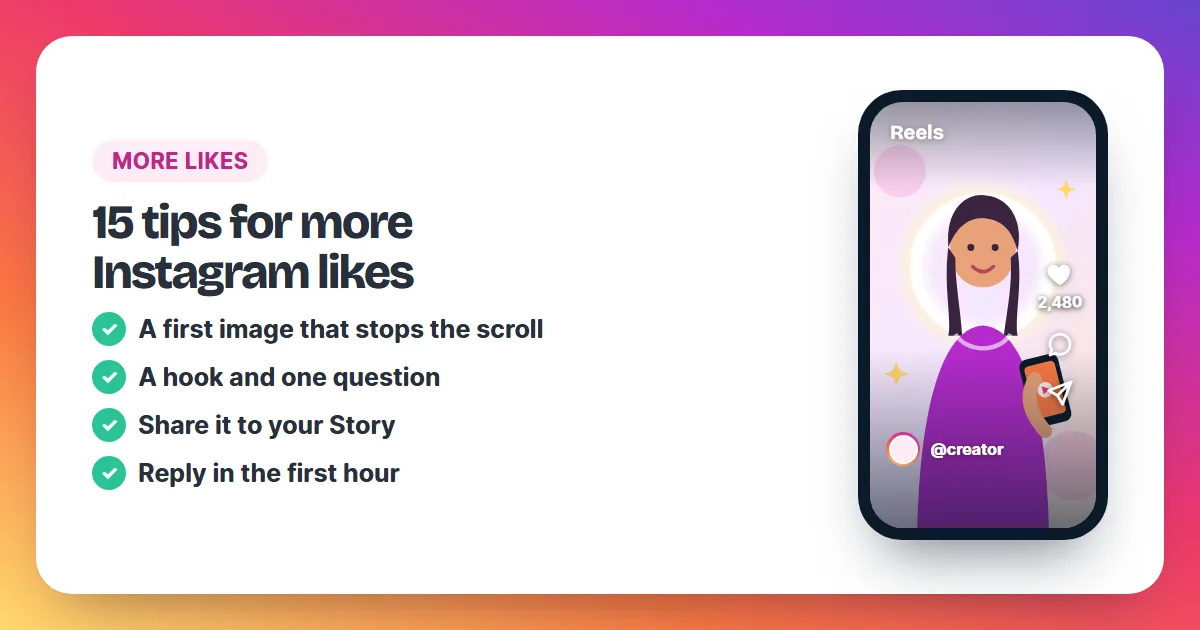
To get more likes on Instagram, make the first image or first second impossible to scroll past, open the caption with a hook, post when your followers are online, share the post to your Story and reply to every comment in the first hour. For a post that matters, add an early boost so it starts with visible social proof.
A like takes one tap, so the work is in earning that tap from people who see your post for a second or two. The 15 tips below are grouped by when you use them: before you post, when you post and in the hours after. None of them needs a big budget, and most of them take less than five minutes per post.
Before you post: 6 tips
- Lead with your strongest image. The first photo, or the first second of a Reel, decides whether people stop. Bright, sharp and easy to read on a small screen wins.
- Use carousels for stories. How-tos, before-and-after shots and step lists work well across several slides, and each swipe keeps people on your post longer.
- Open the caption with a hook. The first line shows under the post before anyone taps "more". Make it a promise, a number or a short question.
- Ask one clear question. "Which colour would you pick?" gets more answers than "Thoughts?". People who comment usually like the post too.
- Keep hashtags few and specific. Three to five tags that describe this exact post beat thirty broad ones.
- Tag people, brands and the place. Tagged accounts get a notice and often reshare, which brings their followers to your post.
When you post: 3 tips
- Post when your followers are online. Look at your last ten posts and note which ones collected likes fastest in the first hour, and at what time you posted them. Post at those times again.
- Keep a steady rhythm. Two or three posts a week on fixed days give followers a reason to come back, and a habit is easier to keep than a burst.
- Mix in Reels. Short videos give people who don't follow you yet a way to find you, and a Reel that people like can bring them to your photos too.
After you post: 6 tips
- Share the post to your Story. Add a poll or question sticker so followers tap through to the post itself.
- Reply to every comment in the first hour. Each reply doubles the conversation under your post and shows newcomers that you answer.
- Spend ten minutes in your niche. Leave real comments on posts from accounts like yours. Thoughtful comments bring visitors back to your profile.
- Team up with another creator. A joint post or a shout-out swap puts your post in front of a new audience that already likes your topic.
- Learn from your top posts. Compare who liked your best and weakest posts and what each one showed. Our guide on how to see likes on Instagram shows where to find those lists.
- Give your best post an early boost. A post that already shows likes is easier to like. Order 250 to 1,000 likes right after it goes live; two to five times your usual count looks natural.
What should you avoid when you want more likes?
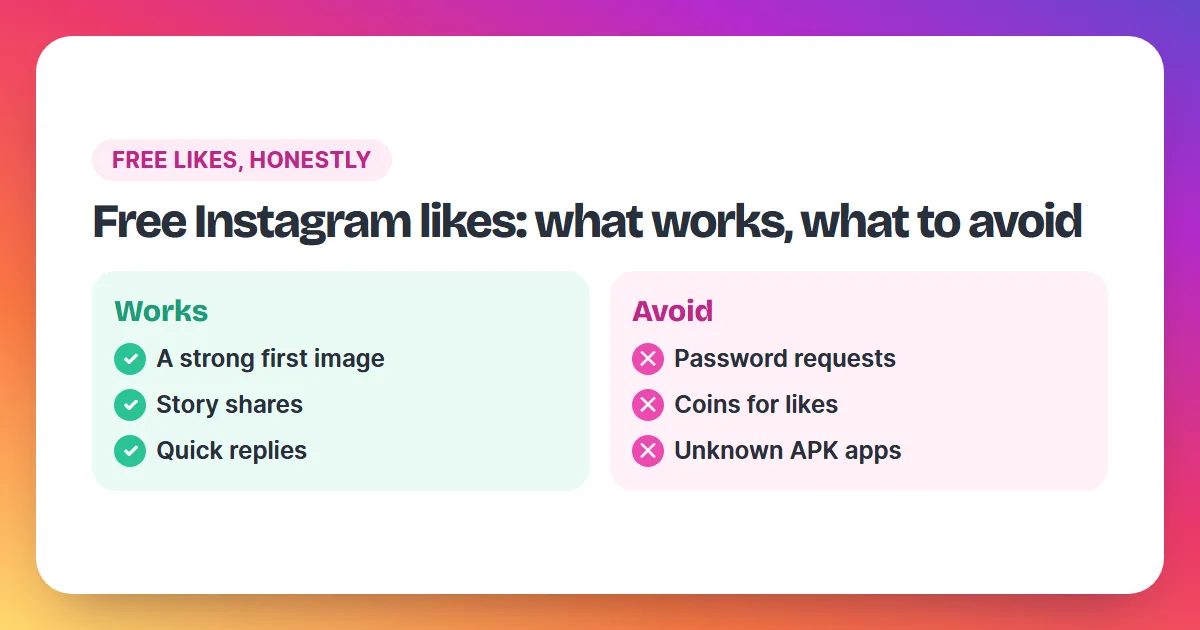
Avoid anything that needs your Instagram password, "like for like" apps that use your account to like strangers' posts, and orders far bigger than your usual numbers. Each of these risks your account or looks unnatural, and none of them brings people who care about your posts.
Instagram's Help Center warns against apps that offer likes in exchange for your login: with it, they can get complete access to your account. Our guide to free Instagram likes explains how those apps work and what they cost you instead of money. When you do order likes, size the order to your account and keep posting good content; is it safe to buy Instagram likes covers the details.
A simple plan for your next post
| When | What to do | Time it takes |
|---|---|---|
| The day before | Pick the strongest first image, write a hook and one question | 15 minutes |
| Posting | Post at your best time, with 3–5 specific hashtags and the right tags | 5 minutes |
| First hour | Share to your Story with a sticker, reply to every comment | 15 minutes |
| First day | Comment in your niche; boost the post if it matters | 10 minutes |
| A week later | Compare it with your other posts and keep what worked | 10 minutes |
Why do likes matter on Instagram?
Likes on Instagram are the quickest signal of interest a post receives, and they work on two audiences at once. People see them first: a post that already shows many likes looks worth a closer look, so visitors stop, read the caption and often add their own like. That is social proof, and it is why the first hour after posting matters so much. You see them second: likes tell you which photos, carousels and Reels your audience prefers, so every post teaches you something for the next one. A like is also the smallest commitment a viewer makes. Comments, saves, shares and follows ask for more, and they usually come from people who liked the post first. That makes the like count a fair early check of whether a post is landing. The tips in this guide aim at both audiences: make the post easy to like for people, and learn from the likes yourself.
Questions about getting more likes on Instagram
How many likes is a good number?
It depends on your follower count and topic. Compare each post with your own recent average rather than with large accounts; our section on good like numbers gives simple benchmarks.
Why are my likes going down?
Common causes are a weaker first image, posting at a time when followers are offline, or fewer Stories pointing to the post. See low likes or a missing like count for a checklist.
Do more likes bring more followers?
Likes raise the count on one post. Follows come from your profile and your content, so a liked post works best when the rest of your grid makes people want more.
How fast can I get more likes on a post?
The habits above work over days and weeks. For a faster start, an Instalikes order begins 2–5 minutes after payment.