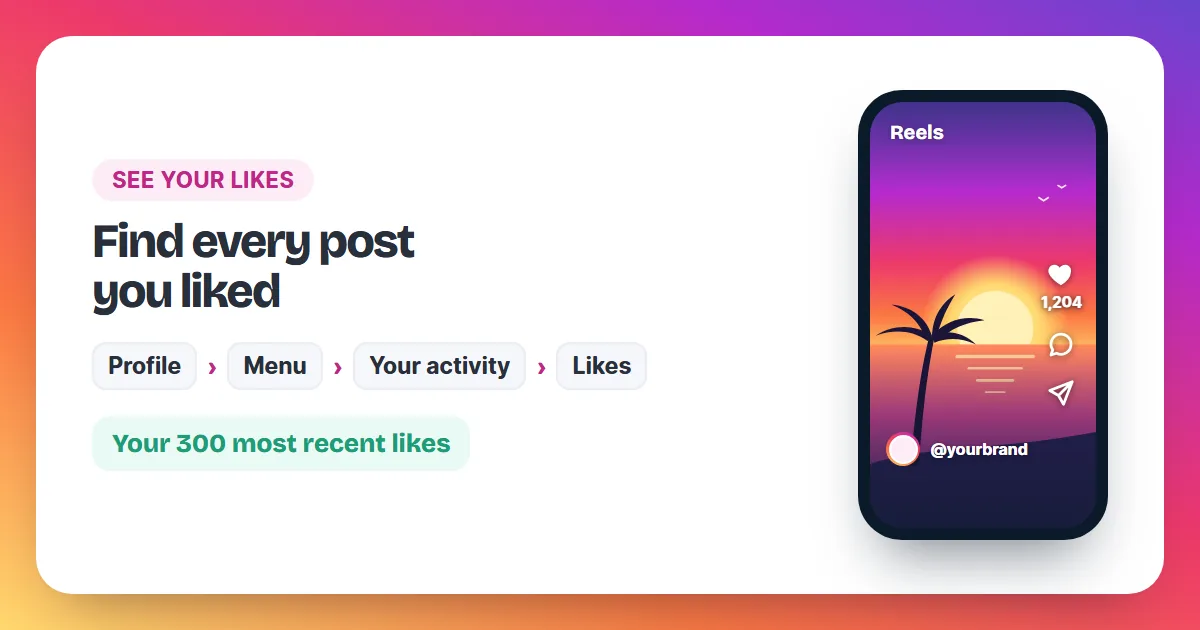
To see the posts you've liked on Instagram, go to your profile, tap Menu, then Your activity, then Likes. Instagram lists your 300 most recent liked posts there. To see who liked your own post, tap the likes line right below it.
"Seeing likes" on Instagram means three different things: finding the posts you liked, checking who liked a post of yours, and knowing who can see what you like. This guide covers all three with the exact menu names from Instagram's Help Center, for the app on iPhone and Android and for instagram.com on a computer. It also shows how to remove many of your likes in one go.
How do I see the posts I've liked on Instagram?
In the app (iPhone and Android):
- Tap Profile or your profile picture in the bottom right.
- Tap Menu (three lines) in the top right.
- Below How you use Instagram, tap Your activity.
- Below Interactions, tap Likes.
- Tap any post or video to open it.
On a computer, click Menu in the bottom left, then Your Activity, then Interactions, then Likes at the top. The list holds the 300 most recent posts you've liked, photos and videos alike.
How do I sort and filter my liked posts?
At the top of the Likes list, three filters help you find one post among hundreds:
- newest to oldest sorts your likes by date.
- All dates limits the list to a date range you pick.
- All authors shows only likes on one account's posts; tap Apply after choosing.
On a computer the same options sit under Sort & Filter.
How do I remove likes from many posts at once?
Open Your activity → Likes, tap Select in the top right, tap the posts you want to unlike, then tap Unlike at the bottom and Unlike again to confirm. Your likes disappear from all the selected posts together.
Use the filters first to narrow the list, for example to one account or one month. Instagram's Help Center adds one limit: if someone deleted a post you liked, it no longer shows in your list, so there is nothing left to unlike.
How do I see who liked my Instagram post?
Open the post and tap the likes line below it. Instagram opens the list of accounts that liked it. For a video, tap the view count below it first; that screen shows how many likes the video has and who liked it.
Comparing those lists across your posts shows which photos and Reels people like most. Our guide on how to get more likes on Instagram turns that comparison into habits for your next posts.
Can I see what someone else likes on Instagram?
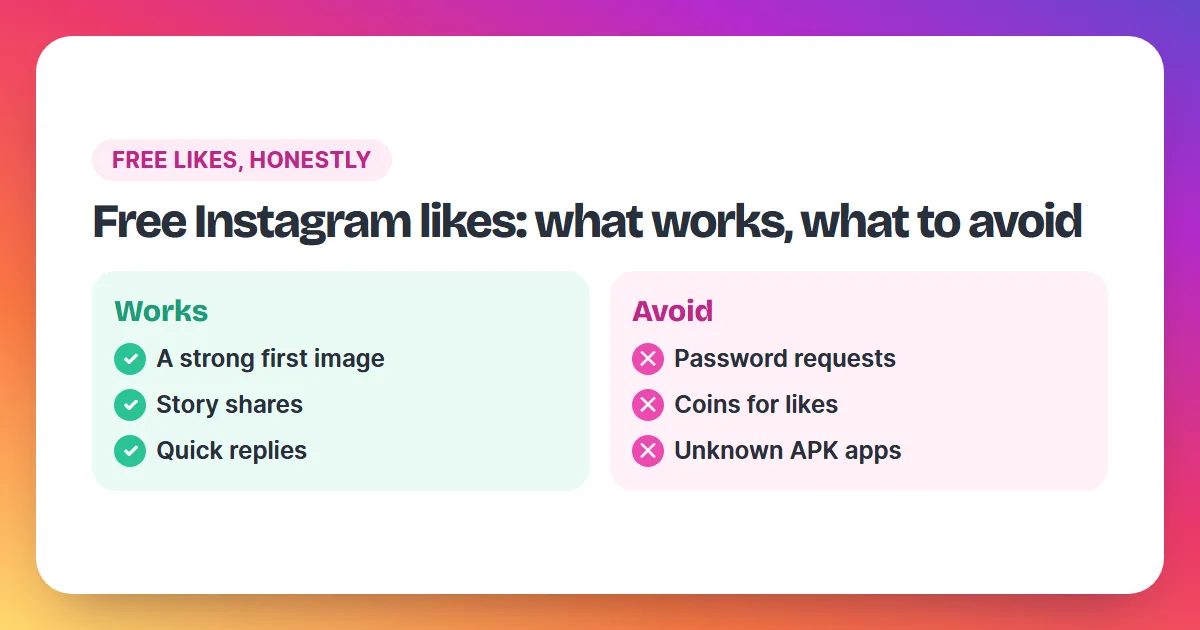
Only as far as that person allows. Every Instagram user picks who can see what they like: everyone, only people they follow, only close friends, or no one. If someone picks no one, only the accounts whose posts they liked can see those likes. Skip apps that promise a full list of another person's likes, especially apps that ask for your Instagram login.
What you can always see is your own activity, and on a public post you can see the accounts that liked it, because a like is visible to anyone who can see that post.
Who can see the posts I like on Instagram?
Instagram's Help Center explains who sees your likes in a few clear rules. When you like a photo, your like is visible to anyone who can see that post. Your followers can also see your username below a photo you liked, written like "yourname and 12 others". Once a photo has 4 likes, Instagram shows the number of likes together with the usernames of some people you follow who liked it. A private account changes who sees your own posts: only approved followers see them, with their likes and comments. When you like a public post, though, your like is visible to everyone who can see that post. On top of this, the Likes you've made setting lets you limit who can see what you like, from everyone down to no one. Whatever you choose, the account that posted always sees that you liked its post or Reel. Your full list of liked posts stays visible to you alone, in Your activity.
Why can't I see the like count on a post?
- The owner hid it. Anyone can hide the count on their own post; you then see the post without a number.
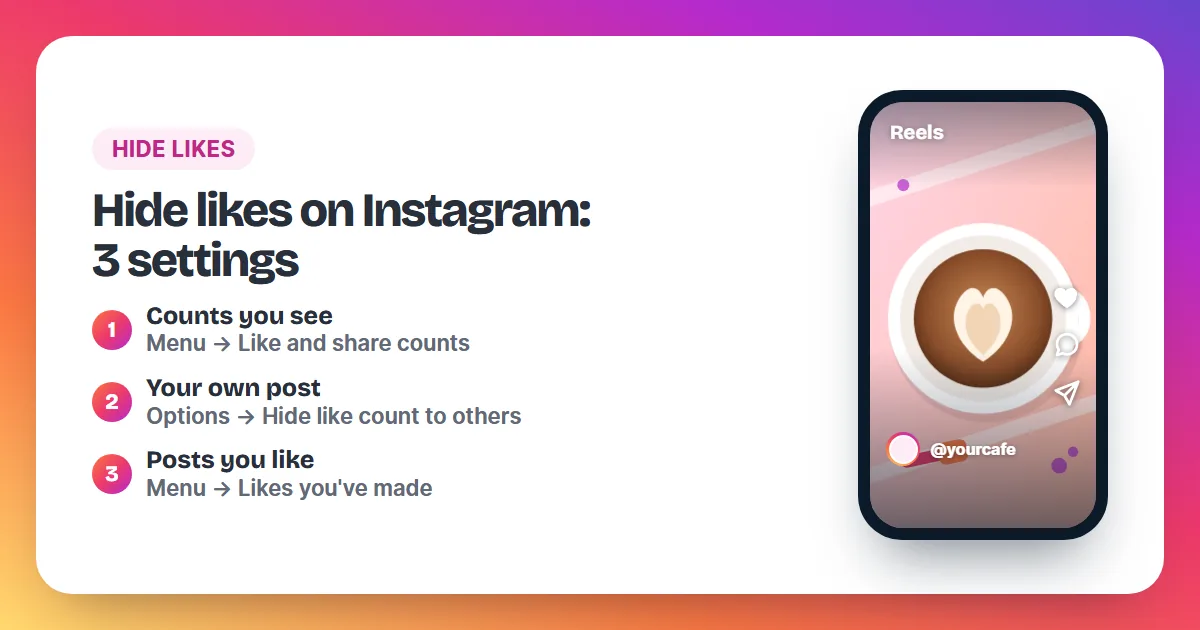
- You hid counts yourself. Check Profile → Menu → Like and share counts. If Hide like & share counts is on, every post shows no numbers to you.
Our guide on how to hide likes on Instagram walks through both settings, and how Instagram counts likes explains what the number includes.
Questions about seeing likes on Instagram
Why are some of the posts I liked missing?
Instagram shows only your 300 most recent liked posts, and a post its owner deleted disappears from the list.
Can I see my liked posts on a computer?
Yes. On instagram.com, click Menu in the bottom left, then Your Activity, then Interactions, then Likes.
Can I see my liked Reels?
Yes. Instagram's Likes list under Your activity covers the photos and videos you liked, and Reels are videos.
Can other people see the list of posts I liked?
The full list in Your activity is visible to you alone. Others can see your like on a post they can view, within the limits you set under Likes you've made.
Do likes I order show up in my post's likes list?
Yes, ordered likes add to the post's like count like any other like. See the full price list and our answer to is it safe to buy Instagram likes.