Use this free Instagram engagement rate calculator to check one post or Reel. Type in its numbers and get three results at once: the engagement rate by followers, the engagement rate by views and the like rate. It works for photos, carousels and Reels. The calculator runs in your browser: nothing you type is sent anywhere, and you need no account.
How do you calculate Instagram engagement rate?
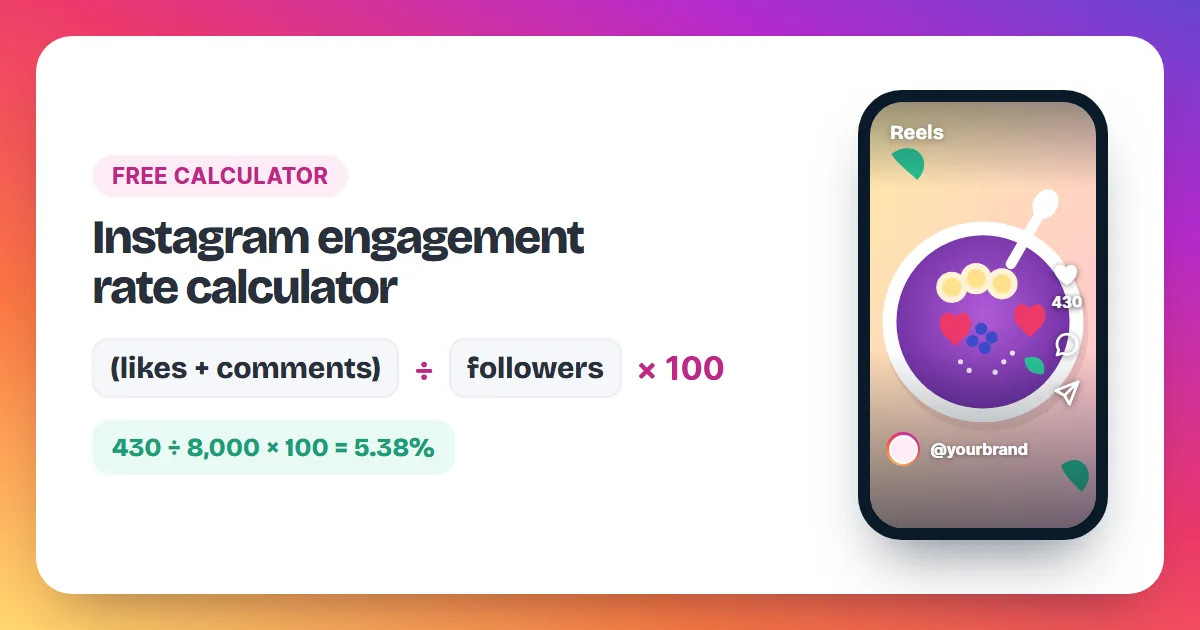
Instagram engagement rate is the number of interactions on a post divided by an audience number, times 100. For the classic rate, add likes and comments and divide by followers. For Reels and any post with a view count, add likes, comments, shares and saves and divide by views.
Here is a worked example you can check with the calculator above. An Instagram engagement rate compares how many people acted on a post with how many could have seen it. Take a Reel from an account with 8,000 followers that got 10,000 views, 400 likes, 30 comments, 50 shares and 20 saves. By followers, using likes and comments only, the rate is 430 ÷ 8,000 × 100 = 5.38%. By views, all interactions add up to 400 + 30 + 50 + 20 = 500, so the rate is 500 ÷ 10,000 × 100 = 5%. The like rate, likes alone divided by followers, is 400 ÷ 8,000 × 100 = 5%. The results differ because each one divides by a different number: followers are the people who chose to follow you, while views count every time the post was displayed. Pick one method and use it every time, so your posts stay comparable.
Which engagement rate should you use?
| Method | Formula | Best for |
|---|---|---|
| By followers | (likes + comments) ÷ followers × 100 | Comparing any public account, including someone else's |
| By views | (likes + comments + shares + saves) ÷ views × 100 | Your own posts and Reels, with numbers from Insights |
| Like rate | likes ÷ followers × 100 | A quick check that needs only two public numbers |
Shares and saves are visible only to the account owner. If you are checking someone else's post, use the rate by followers or the like rate.
How do you calculate engagement rate by hand?
- Open the post and note its likes and comments. On your own post, also note views, shares and saves from Insights.
- Note the follower count from the profile.
- Add up the interactions you want to count.
- Divide by followers (or by views) and multiply by 100.
- Round to two decimals and write it down next to the post date.
Where do you find these numbers on Instagram?
Likes, comments and followers are public. For views, shares and saves, open your own post and tap View Insights. Instagram's Help Center says insights work on any public account, personal or professional, and stay available for posts for up to two years.
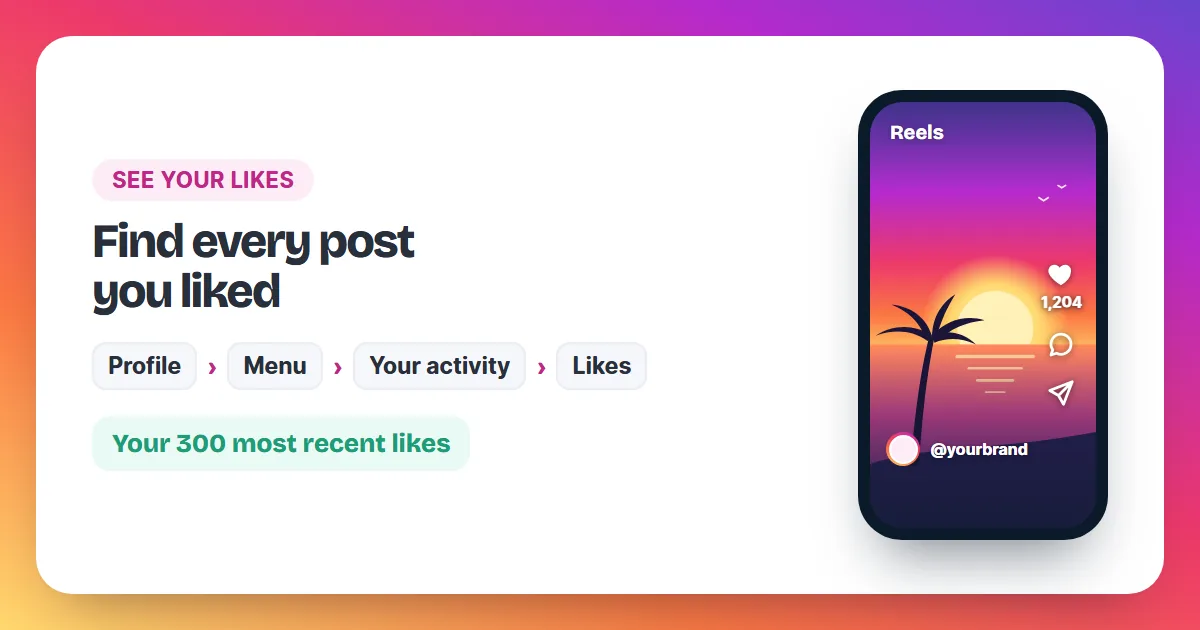
The steps from Instagram's Help Center: tap your profile picture in the bottom right, tap the post, then tap View Insights. Instagram lists Views, the number of times the post was displayed, and Interactions, which covers likes, comments, saves and shares. A private account has no insights, so switch to public first if you want them. Our guide on how to see likes on Instagram shows where to find who liked each post.
What is a good engagement rate on Instagram?
The most useful benchmark is your own average. Outside benchmarks mix different formulas and account sizes, so they rarely compare cleanly with your numbers. Work out the rate for your last 10 posts with one method and aim to beat that average with each new post.
- Pick one method, for example the rate by followers.
- Work out the rate for each of your last 10 posts.
- Add the 10 rates and divide by 10. That is your average.
- Judge each new post against that average, not against another account.
Why is my Instagram engagement rate low?
- The first image does not stop the scroll. People who keep scrolling never tap the heart. Lead with your sharpest, brightest shot.
- The caption asks for nothing. One clear question gets comments; a tip worth keeping gets saves.
- You posted while followers were offline. Compare the times of your best and weakest posts and post at the better ones.
- The post reached many new people. Views from non-followers lower the rate by views, even when the post did well.
Our guide on how to get more likes on Instagram lists 15 habits that lift both likes and comments.
Do bought likes change your engagement rate?
Yes. Ordered likes add to the like count, so the rate by followers and the like rate go up while they stay on the post. They are not reactions from your own audience, so measure your audience on posts without an order, or subtract the ordered likes before you compare.
For example, a post with 400 likes and 30 comments on an account with 8,000 followers has a rate by followers of 5.38%. Add an order of 500 likes and the same post shows 930 ÷ 8,000 × 100 = 11.63%. That is the plain maths. A higher like count makes a post look worth a closer look; your followers still decide whether to comment, share or save it. Instagram can remove likes it judges inauthentic, which is why every Instalikes order has a 30-day refill; read is it safe to buy Instagram likes and see the full price list. For likes that cost nothing, start with our guide to free Instagram likes.
Engagement rate questions
Is my data stored when I use the calculator?
No. The calculator works entirely in your browser. The numbers you type are not sent to Instalikes or anyone else, and they disappear when you close the page.
Should I count shares and saves?
Yes, when you can see them. Instagram counts likes, comments, saves and shares together as interactions in a post's insights.
Can engagement rate be over 100%?
Yes, by followers. If a post reaches far beyond your followers, its likes and comments can outnumber your followers. For example, 1,200 likes and comments on an account with 1,000 followers gives 1,200 ÷ 1,000 × 100 = 120%.
How do I work out the engagement rate for my whole account?
Work out the rate for each of your last 10 posts with the same method, then add the 10 rates and divide by 10. That average is your account's engagement rate and the number each new post should beat.
Does this calculator work for TikTok?
The formulas work for any app where you know the interactions and the audience number. The labels on this page match the numbers Instagram shows.